The wow effect.
Even in a preview.
Visuals prepares previews with care for fine detail, keeping hair, skin texture, and fabric well defined in compact views and when you zoom in.
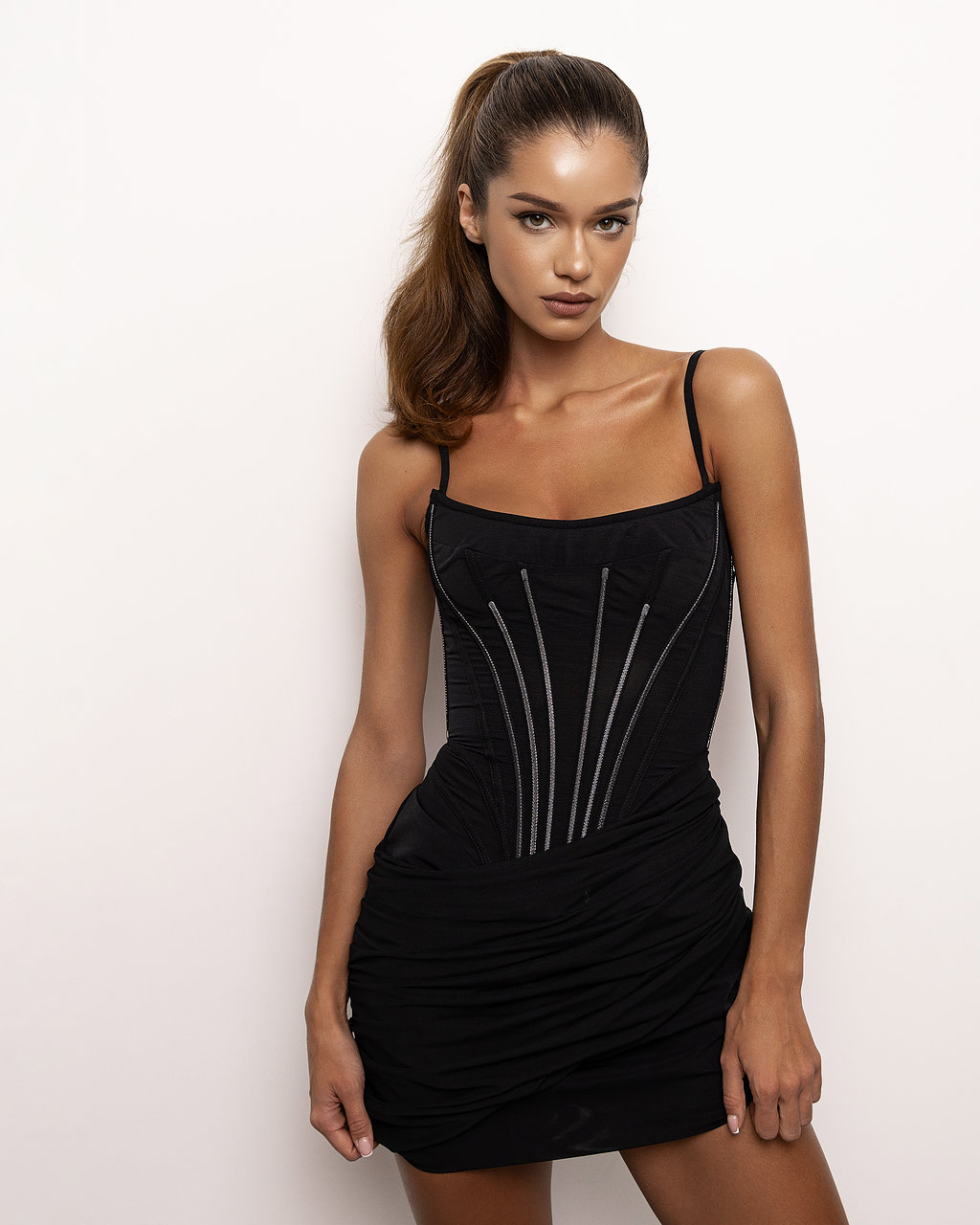
First impressions start with the preview. Before your client opens a photo full screen, it should already convey the mood of the shoot and your attention to detail.
We built our own preview preparation system for different viewing sizes. It helps bring out fine detail after resizing, so your photographs retain their character in an online gallery.
See the difference for yourself
The same photograph in two online galleries. On the left, a real preview from another service; on the right, Visuals. Switch between the full photo, hair, face and dress. Drag the divider directly on the image.
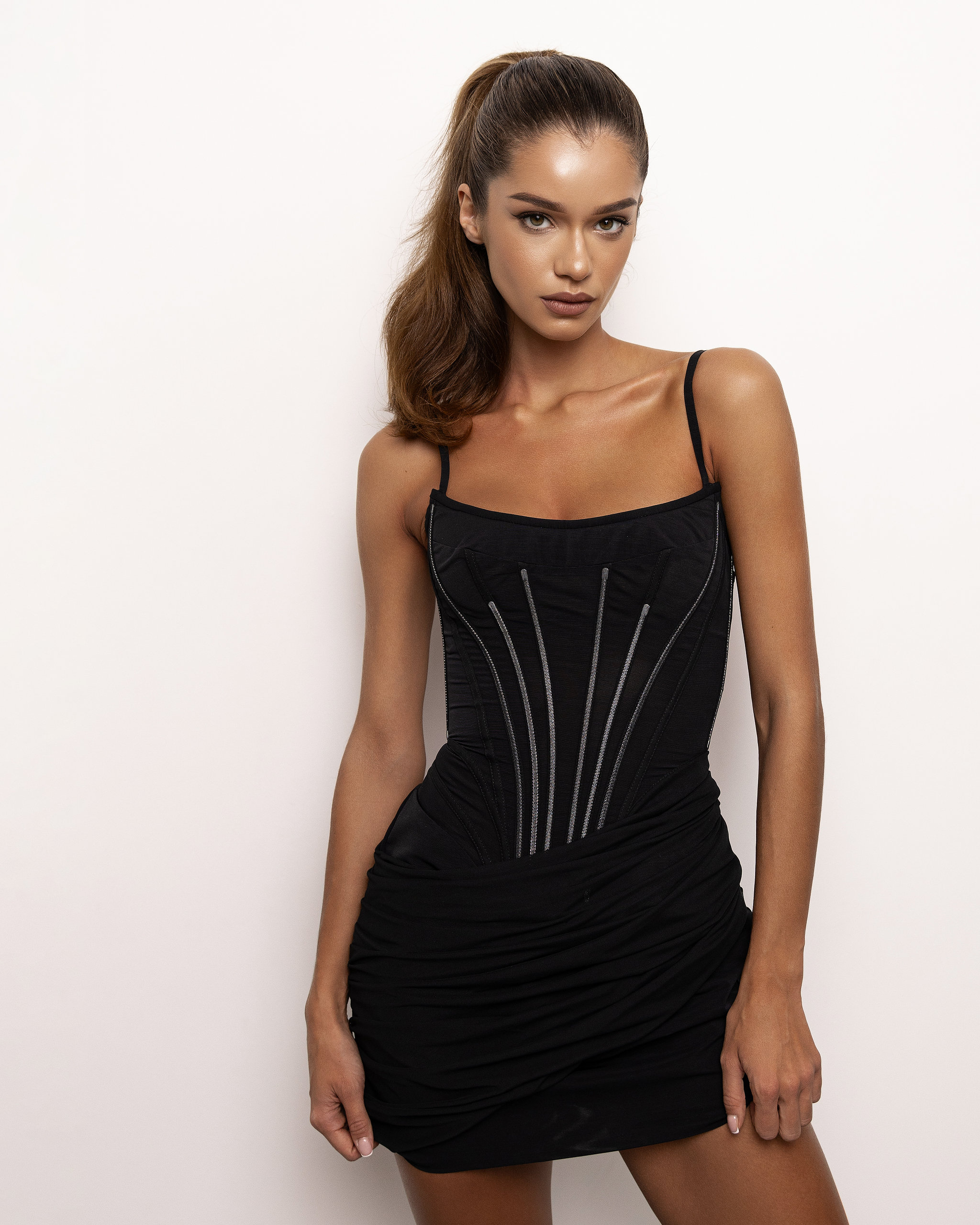
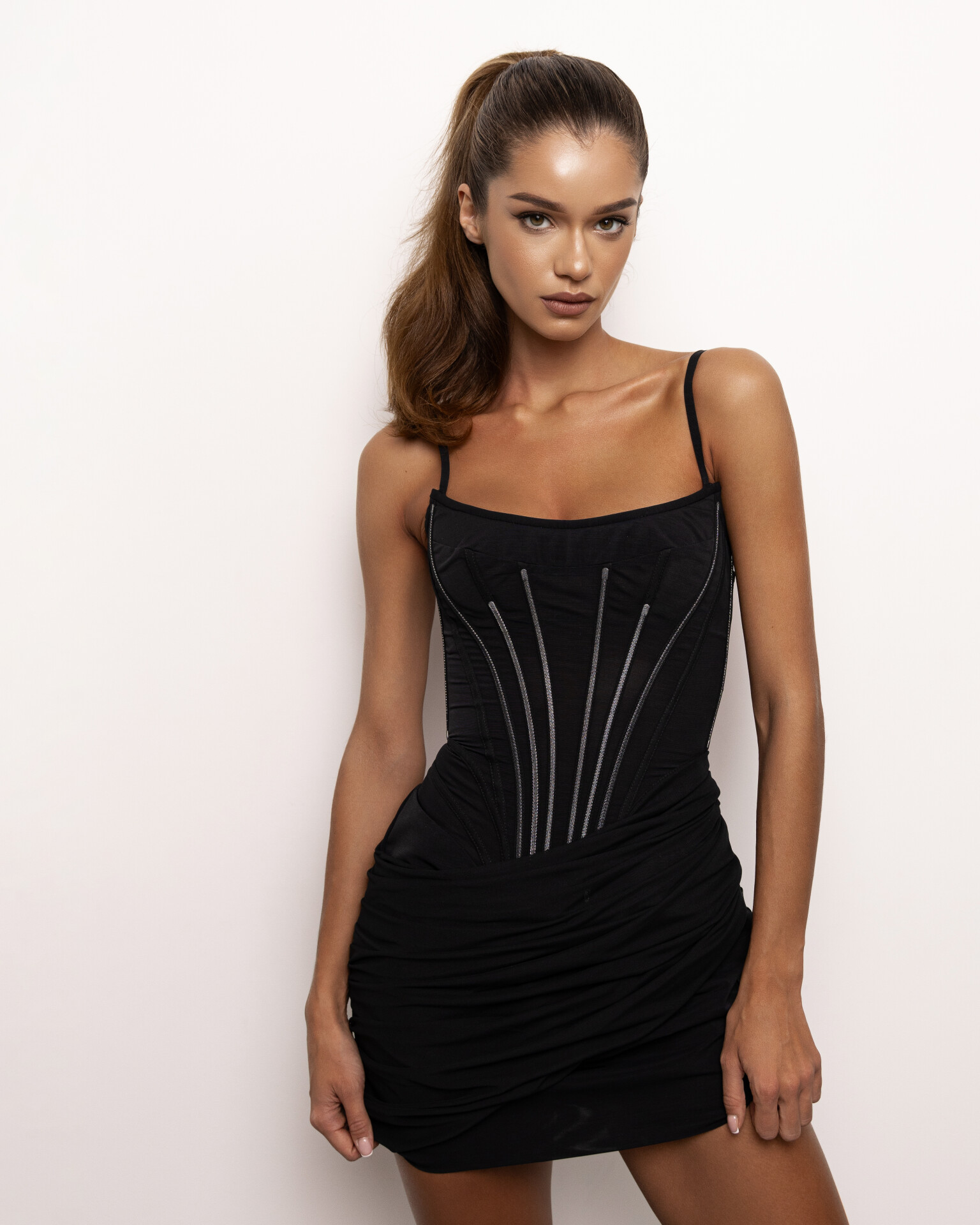
Photo · Compare
Hair, skin, and the texture of fabric
Look for fine lines and transitions between strands of hair. On the face, notice the lashes and skin texture. On the dress, look at the weave and small embellishments. Switch between versions and look closely at how these details appear in each preview.
In everyday viewing, your client may never name what makes the difference. To them, it’s simply the impression your photograph makes.
Your originals stay unchanged
Visuals prepares separate web versions for viewing in the gallery. Your uploaded original files stay unchanged.
You can also zoom in on a phone and take a closer look, from the overall impression to the smallest details.
Our own preview preparation system
Visuals automatically prepares previews for different viewing sizes, with care for fine detail after resizing. Upload new photos as usual: no separate sharpening settings or extra set of files to prepare.
Think your gallery can do this?
Choose a photograph where every detail matters to you. Upload it to Visuals and to the gallery you currently use. Open both previews at the same scale. Zoom in. Compare the hair, skin, and fabric. Draw your own conclusions.
Try it and compare